

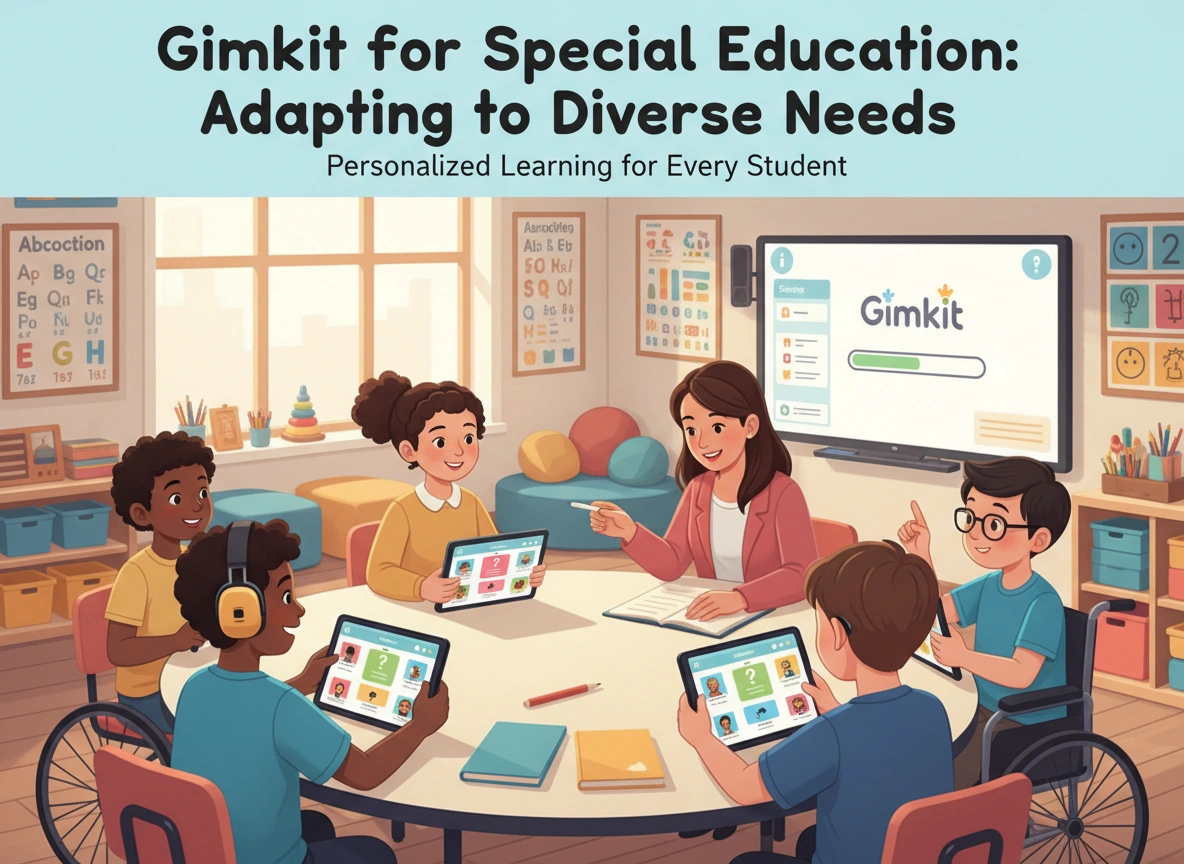
Gamified learning has transformed the modern classroom, turning standard lessons into engaging and competitive experiences. Among the platforms leading this charge is Gimkit, a quiz-based tool created by a high school student. While its fast-paced, interactive nature makes it a favorite in general education, its true potential shines when adapted for special education. For students with diverse learning needs, Gimkit offers a flexible and powerful way to reinforce concepts, build skills, and foster a positive learning environment.
This article explores how educators can effectively utilize Gimkit to support students with a wide range of learning disabilities, from ADHD and autism to dyslexia and processing disorders. We will examine the specific features that make Gimkit an asset in the special education classroom, provide practical strategies for adaptation, and offer tips for successful implementation. By thoughtfully customizing the platform, teachers can unlock its capacity to meet individual student needs and make learning both fun and accessible.
The Benefits of Gimkit in Special Education
Using Gimkit in a special education setting goes beyond simple entertainment. The platform’s core mechanics align with several evidence-based teaching strategies, providing tangible benefits for students with diverse learning profiles.
Fostering Engagement and Motivation
One of the greatest challenges in any classroom is maintaining student engagement. For students with conditions like ADHD or those who struggle with traditional instruction, this can be particularly difficult. Gimkit’s game-based format captures attention instantly. The element of competition, the ability to earn in-game currency, and the use of strategic power-ups create a high-interest environment. This intrinsic motivation encourages students to participate actively, answer questions repeatedly, and stay focused on the task for longer periods.
Reinforcing Learning Through Repetition
Repetition is key to mastery, especially for students who require more time to process and retain information. Gimkit is built on a foundation of repeated practice. In game modes like “Classic” or “Teams,” students answer questions multiple times throughout a single session. This spaced repetition helps solidify knowledge without the monotony of traditional drills or flashcards. The dynamic nature of the game ensures that the practice feels fresh and exciting, not tedious.
Providing Immediate and Non-Punitive Feedback
Students in special education benefit immensely from immediate feedback. It helps them correct misunderstandings in the moment and reinforces correct answers. Gimkit provides instant results after each question. When a student answers incorrectly, the platform shows them the correct answer. This feedback is delivered in a low-stakes context. There is no penalty other than a momentary loss of in-game cash, which can be quickly earned back. This non-punitive approach reduces anxiety around making mistakes and encourages students to take academic risks.
Adapting Gimkit Features for Diverse Learners
Gimkit’s flexibility is its greatest strength. Educators can modify nearly every aspect of a game to suit the specific needs of their students. By moving beyond the default settings, teachers can create a truly inclusive learning experience.
Customizing Game Settings
The game settings menu is the command center for adapting Gimkit. Here, educators can make crucial adjustments to level the playing field.
- Time: The default per-question timer can create pressure for students with processing delays or reading challenges. You can extend the timer or remove it completely to allow for ample thinking time.
- Music and Sound Effects: While some students find the background music motivating, others, particularly those with sensory sensitivities or auditory processing issues, may find it distracting. Gimkit allows you to turn off music and sound effects to create a calmer environment.
- Starting Cash: Giving students a head start with in-game currency can boost confidence, especially for those who may be anxious about falling behind.
- Answer Check: Enabling the “Answer Check” feature allows students to see the correct answer after each attempt. This is an invaluable tool for reinforcement and immediate correction.
Designing Accessible Question Sets (Kits)
The content of the game is just as important as the settings. When creating or choosing a “Kit” (a set of questions), consider the following modifications:
- Simplify Language: Use clear, concise language in both questions and answer choices. Avoid complex sentence structures or academic jargon that might be a barrier to comprehension.
- Incorporate Visuals: Gimkit allows you to add images to questions. This is a powerful tool for visual learners and students who struggle with reading. An image can provide context, act as a visual cue, or be the subject of the question itself. For example, a math question could show a picture of grouped objects, or a vocabulary question could display an image of the word’s meaning.
- Limit Answer Choices: Instead of the default four multiple-choice options, consider reducing the number to two or three. This lowers the cognitive load for students who have difficulty with working memory or decision-making.
- Focus on One Skill: Create Kits that target a single, specific skill. This helps avoid cognitive overload and allows students to focus on mastering one concept at a time. For example, create a Kit solely for identifying nouns or for solving single-digit addition problems.
Game Modes for Different Learning Goals
Gimkit offers various game modes, each with unique applications in the special education classroom. Choosing the right mode can help you target specific skills and social-emotional learning goals.
“Classic” and “Teams” for Collaboration
The “Teams” mode is an excellent choice for fostering collaboration and positive social interaction. Students work together toward a common goal, which can reduce the individual pressure of competition. This mode is ideal for promoting communication, peer support, and shared problem-solving. You can strategically group students to ensure that each team has a mix of strengths.
“Trust No One” for Social Cues
While it seems counterintuitive, the “Trust No One” mode, similar to the popular game Among Us, can be a valuable tool for teaching social skills. It requires students to make inferences, read social cues, and use deductive reasoning. For students with autism spectrum disorder (ASD) or social communication challenges, playing this in a structured, teacher-facilitated environment can provide safe practice for navigating complex social dynamics.
“The Floor is Lava” for Focus
In “The Floor is Lava,” students must answer questions correctly to build their way to safety. The rising lava creates a sense of urgency that can help students with focus and attention issues stay on task. The goal is clear and singular: keep answering to survive. This mode is excellent for quick, engaging review sessions.
Tips for Successful Implementation in the Classroom
Successfully integrating any new tool requires thoughtful planning and execution. The following tips can help ensure a smooth rollout of Gimkit in your special education classroom.
- Model, Model, Model: Before the first game, explicitly teach students how to play. Project Gimkit onto a screen and walk through a few questions as a class. Explain the purpose of power-ups, how to read the screen, and what happens when you answer correctly or incorrectly.
- Set Clear Expectations: Establish clear behavioral expectations for game time. Discuss sportsmanship, what to do if you feel frustrated, and how to offer help to a teammate. Frame the game as a practice tool, not just a competition.
- Start with Student-Paced Games: Before diving into live, timed games, use Gimkit’s assignment feature. This allows students to complete a Kit at their own pace, familiarizing them with the interface and content without the pressure of competition.
- Use It for Pre-Assessment and Review: Gimkit is an excellent tool for formative assessment. Use it at the beginning of a unit to gauge prior knowledge or at the end for a fun review session. The detailed reports generated after each game provide valuable data on which students are struggling and with which specific concepts.
- Involve Students in Kit Creation: Empower students by having them help create the questions. This not only increases buy-in but also serves as a powerful learning activity. A student who can write a good question about a topic demonstrates a deep understanding of it.
Conclusion: A Powerful Tool for Inclusive Learning
Gimkit is more than just a game; it is a versatile instructional tool that, when adapted with care, can meet the diverse needs of students in special education. Its engaging format promotes motivation, while its customizable features allow for differentiation in content, pacing, and sensory input.
By leveraging different game modes and thoughtfully designing question sets, educators can reinforce learning, build social skills, and provide immediate, low-stakes feedback. The key lies in moving beyond the default settings and intentionally shaping the experience to fit the unique learning profiles of your students. When implemented thoughtfully, Gimkit can help create a classroom where every student feels supported, challenged, and excited to learn.
